49% off on product page · save $1423.39
How to Stand a TV Without a Stand: Safe Options
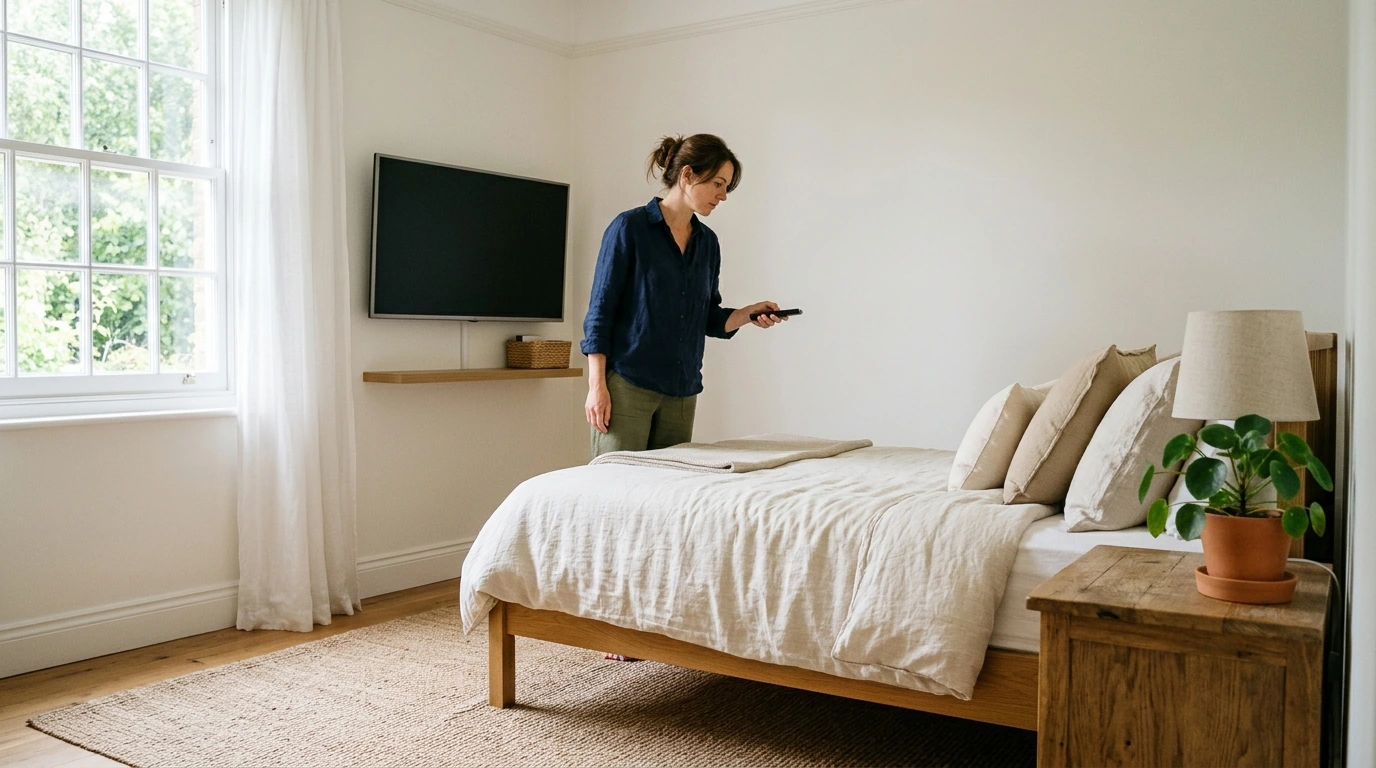
Choose a Safe Way to Support Your TV
If your TV has no original feet or base, you can use a compatible universal tabletop TV stand, a freestanding TV mount, or a wall mount designed for its size and weight. Do not prop the screen against a wall or balance it on furniture without a secured support, because a small bump or a pulled cable could cause it to fall.
Start by finding your TV’s model number, weight, and mounting-hole pattern, often called its VESA pattern, in the manual or manufacturer’s specifications. Use those measurements to select a support rated for the TV, and follow the support manufacturer’s installation instructions rather than guessing which screws or fittings to use.
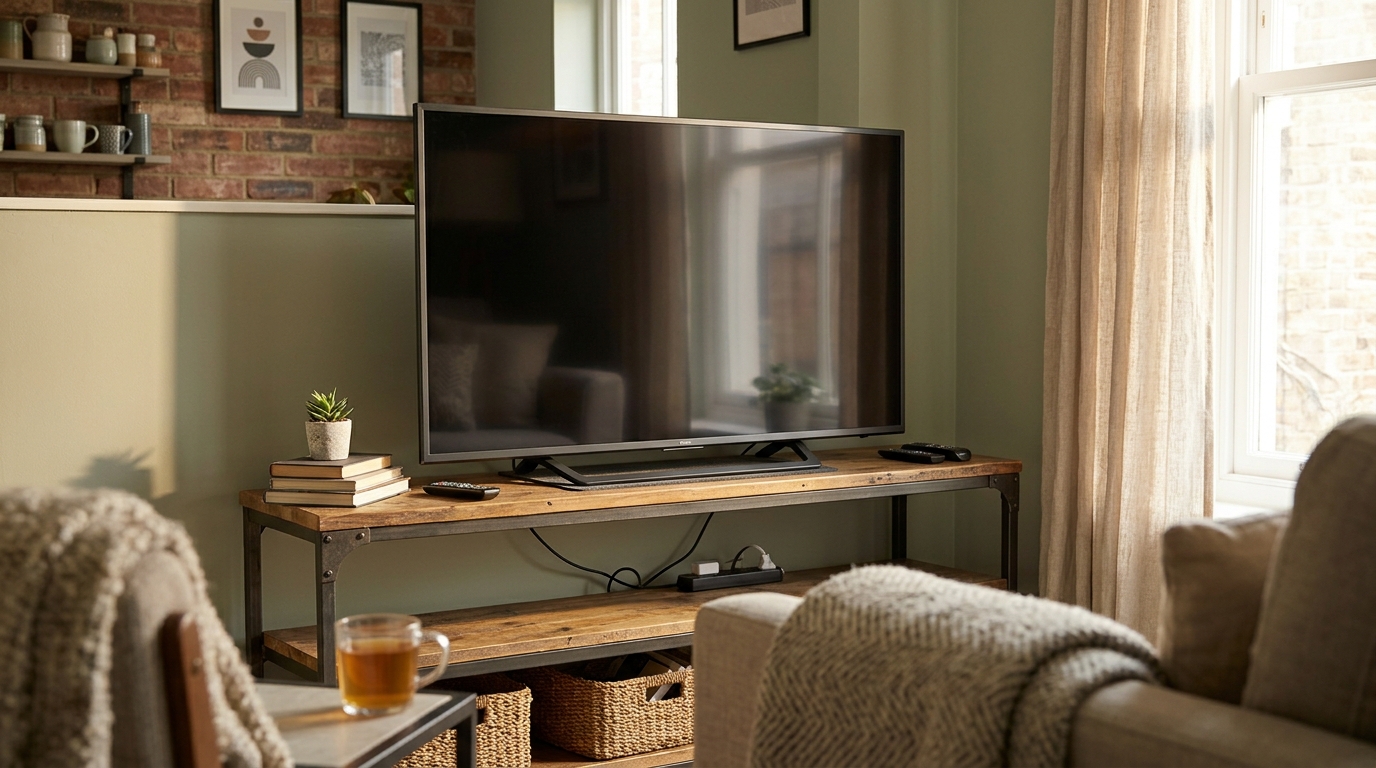
Use a Tabletop Stand or Furniture
A universal tabletop stand can replace missing TV feet while letting you place the screen on a sturdy console, cabinet, or dresser. Choose furniture with a stable, level top that is wide and deep enough for the stand’s base, and keep the TV and base from extending over the edge.
For a coordinated living-room setup, you might consider our Modern Chic 2m Lowboard TV Stand as the furniture beneath the screen. You will still need a compatible TV base or mount to support the screen, and you should confirm that both the furniture and support can safely carry its weight.
Check the product’s listed specifications when evaluating use a tabletop stand or furniture.
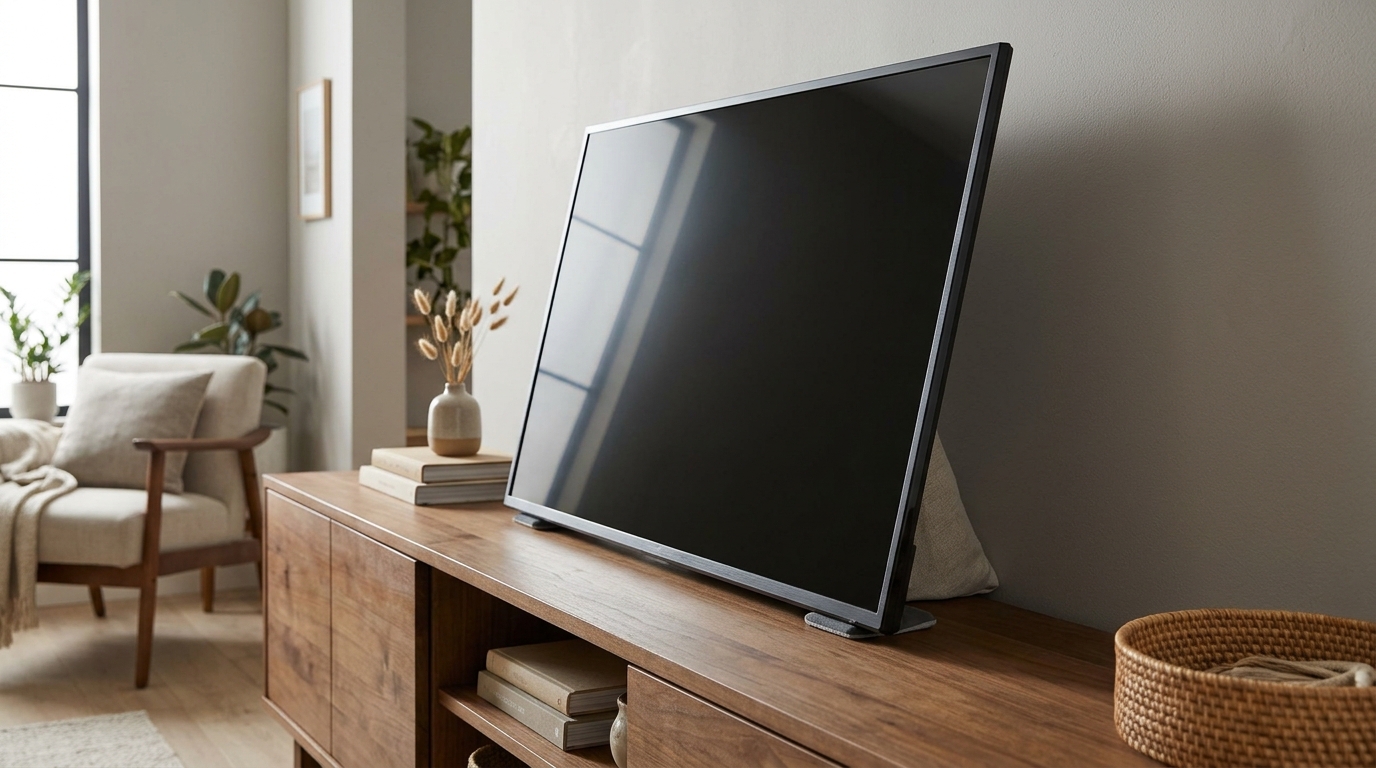
Featured in this guide
modern-chic-2m-lowboard-tv-stand
Consider a Wall or Floor Mount
A wall mount keeps the TV off the furniture and can be useful when floor space is limited, but the mount must be compatible with the TV and secured to a wall structure suited to the load. Follow the mount’s instructions for the wall material and fasteners, and have a qualified installer help if you are unsure how to locate suitable support.
A freestanding floor mount is another option when you do not want to mount the TV on a wall or do not have a suitable cabinet. Check its weight and size ratings, place it on a level surface, and use any supplied safety hardware according to the manufacturer’s directions.
Finish With a Stability Check
Once the TV is installed, make sure the support is secure and the screen is positioned at a comfortable viewing height without blocking ventilation openings. Route cables so they cannot be tripped over or pulled by children or pets, and consider an appropriate anti-tip restraint where recommended.
Keep liquids away from the TV and dust the screen and support using the TV manufacturer’s cleaning guidance. Periodically check that accessible fasteners and restraints remain secure, especially after moving furniture or adjusting the screen.
See if modern-chic-2m-lowboard-tv-stand fits your setup