49% off on product page · save $1423.39
How to Stand Up a TV With No Stand: 4 Ways
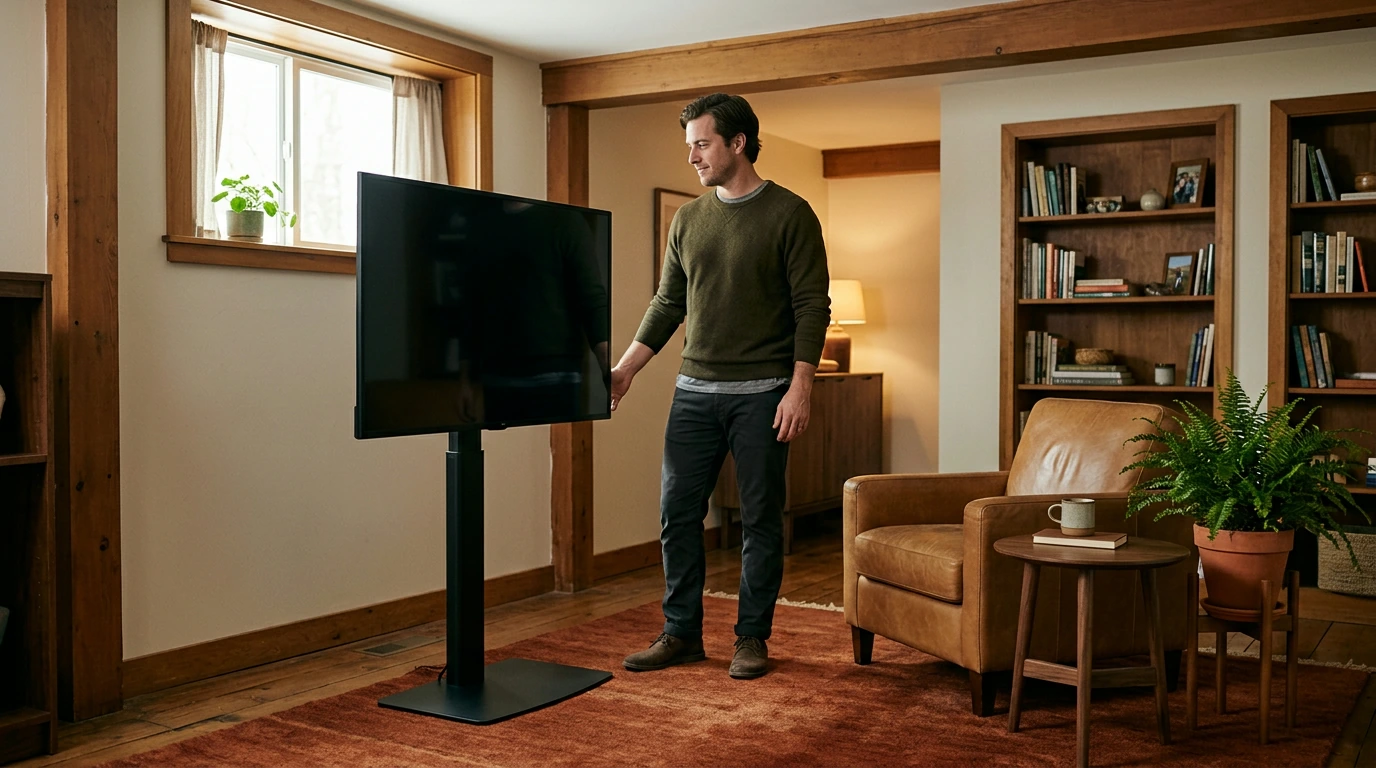
Choose a safe way to support your TV
If your TV no longer has its original feet, you can use a compatible replacement stand, a tabletop TV mount, a floor stand, or a wall mount. Choose a support designed for your TV’s size, weight, and mounting-hole pattern, and avoid leaning the screen against a wall or balancing it on books or other makeshift supports.

Featured in this guide
modern-chic-2m-lowboard-tv-stand
Consider a floor stand or wall mount
A freestanding floor mount can hold the screen without requiring a media cabinet, while a wall mount frees up the surface below; both need to be rated for your TV and installed according to their instructions. For a wall mount, use fasteners appropriate for the wall construction and secure the mount to suitable structural support, such as wall studs where required, rather than relying on drywall alone.
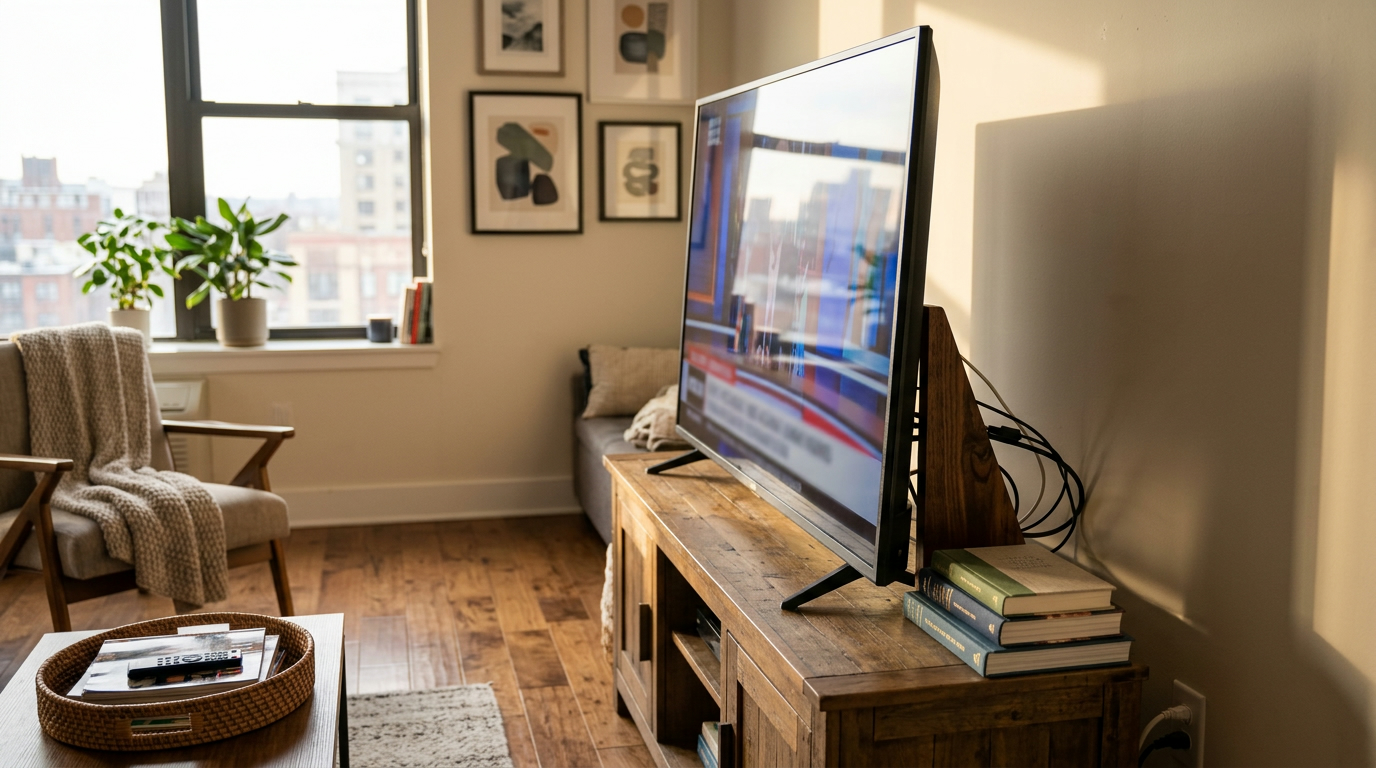
For the full product context, see the main Owleys guide.
FAQ
How can I stand up a TV without a stand?
You can attach compatible replacement feet or use a tabletop mount that supports your TV’s weight and mounting pattern. A floor stand or properly installed wall mount can also support the screen without its original stand.
What to do if my TV doesn’t have a stand?
Find your TV’s model number and look for replacement feet or a compatible mount, using the TV manufacturer’s specifications to confirm the fit. Until you have a suitable support installed, keep the TV safely packed or positioned according to its manufacturer’s handling instructions instead of propping it upright.
See if modern-chic-2m-lowboard-tv-stand fits your setup